Chatbots
WhatsApp Chatbot for Business: Use Cases, Flow, and Setup
Learn how a WhatsApp chatbot helps businesses automate bookings, support, lead qualification, reminders, FAQs, and customer conversations with AI.
Why Businesses Use WhatsApp Chatbots
WhatsApp is where many customers already ask questions, book appointments, send documents, and follow up. A WhatsApp chatbot helps businesses respond faster without forcing customers into a new portal.
High-Value WhatsApp Chatbot Use Cases
- Booking and appointment scheduling.
- Lead qualification before a sales call.
- Order status, reminders, and customer updates.
- FAQ automation with handoff to a human team.
- Document collection for onboarding, healthcare, finance, or education workflows.
What a Good Chatbot Flow Includes
A useful chatbot flow should identify the user intent, collect only the information needed, confirm the request, and route complex cases to a human. The best systems also store conversation context and connect to calendars, CRMs, or dashboards.
How XSOLAI Builds WhatsApp Automation
XSOLAI builds WhatsApp chatbots for support, booking, qualification, reminders, and internal workflows. We can connect the bot to AI models, APIs, CRMs, calendars, and custom dashboards.
Related Services
AI Chatbots & Conversational Agents
XSOLAI builds AI chatbot development services for USA, Europe, Pakistan, and Australia, including customer support bots, WhatsApp bots, voice agents, and LLM assistants.
AI Integration & Consulting
AI integration and consulting services for USA, Europe, Pakistan, and Australia, including AI roadmap planning, automation discovery, LLM integration, and prototype-to-production support.
Related Projects
Automation
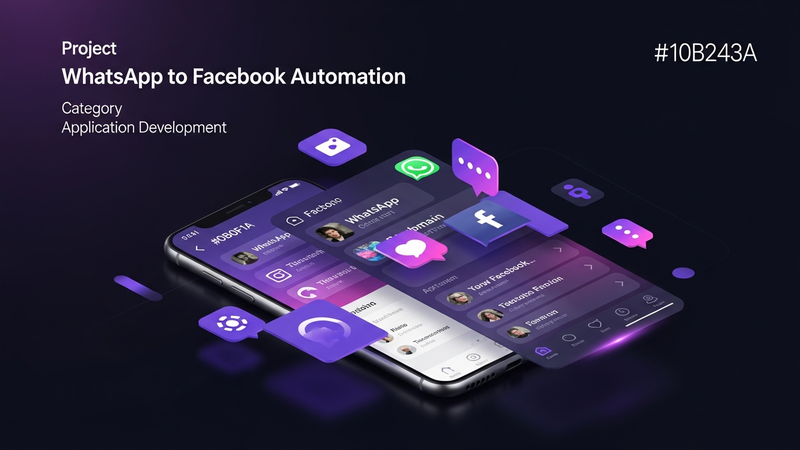
WhatsApp to Facebook Automation
Automated content pipeline from WhatsApp to Facebook with AI image processing and video creation.
Chatbots
Healio WhatsApp Bot
AI-powered WhatsApp chatbot using Twilio and Groq LLM for automated customer interactions.
Chatbots
Xeko AI Chatbot
Full-stack AI chatbot with FastAPI backend and OpenAI integration.
FAQs
Can a WhatsApp chatbot book appointments?
Yes. A WhatsApp chatbot can collect customer details, show available options, confirm a booking, and send the appointment to a calendar or internal system.
Can WhatsApp chatbots hand off to humans?
Yes. A professional chatbot should include human handoff when the user asks a complex question or the automation cannot complete the request confidently.
Want to build something like this?
Send us the workflow, document process, dashboard, chatbot idea, or AI product you want to build. We will map the fastest practical path from idea to launch.
Book a Call